From One Still Image to a Short AI Video: A Shot-Brief Checklist
A still image gives you a subject, but it does not tell a video model what should move. Before generating a clip, write a one-shot brief. It keeps the first test small and makes the result easier to judge.
1. Describe one visible action
Start with a single subject and a single action. “A ceramic cup sits on a table while steam rises” is easier to evaluate than a prompt asking for several characters, scene changes, and a camera orbit at once. Decide what must stay fixed as well as what should change.
2. Add camera direction and framing
Specify a simple camera move such as a slow push-in, locked-off shot, or gentle pan. State the framing and orientation if the tool offers those settings. Keep the camera instruction separate from the subject's action so you can tell which part failed.
3. Choose the right starting mode
- Text to video: useful when you have an idea but no approved source image.
- Image to video: useful when the composition, product, or character should begin from a specific image.
- Reference to video: useful when the available workflow accepts reference material for visual direction.
For example, a brief for an image-led product clip might read: “Keep the cup's shape and logo unchanged. Steam rises gently. Slow camera push-in. Soft daylight. No extra objects or text.” The source image is the reference; the prompt describes the motion.
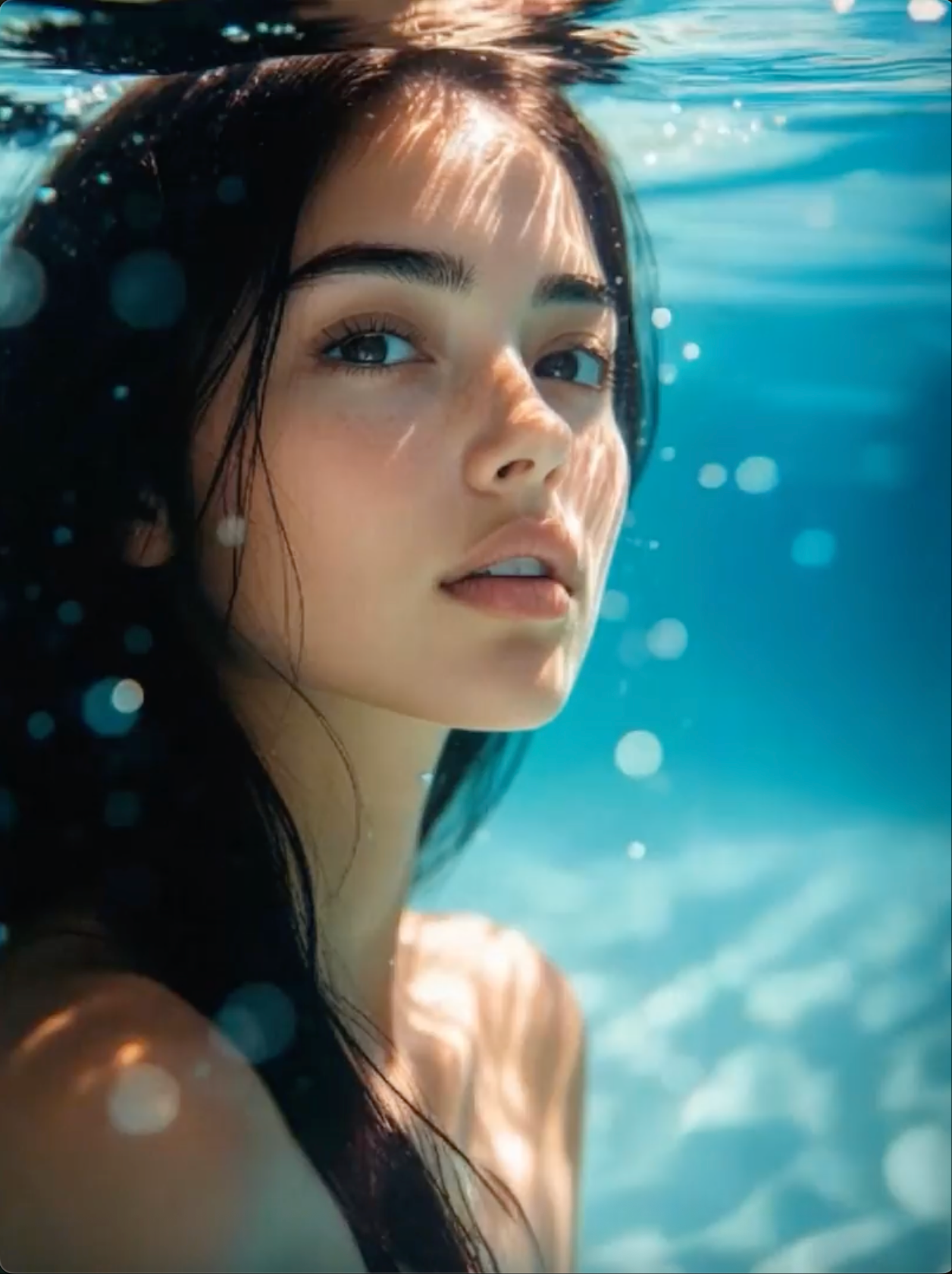
4. Review the whole clip, not just the first frame
Check the opening, middle, and final seconds. Look for shape drift, unexpected objects, unstable text, sudden camera jumps, and awkward ending frames. If the subject changes shape, simplify the action or reduce camera movement before adding more detail. Keep a copy of the prompt and settings so each retry tests one change.
You can try this workflow in the AI video generator at flowaivideo.org, which offers text-to-video, image-to-video, and reference-to-video entry points. It is independently operated and is not Google's official Flow product. Sign-in, credits, and paid options may apply; check the current settings and cost before generating.


评论
发表评论